Interfaces
Four surfaces for interacting with the knowledge graph — web app, MCP server, Discord bot, and announcements webhook.
Web App
Next.js 15 app deployed on Vercel. The primary interface for browsing and managing the graph.
Dashboard
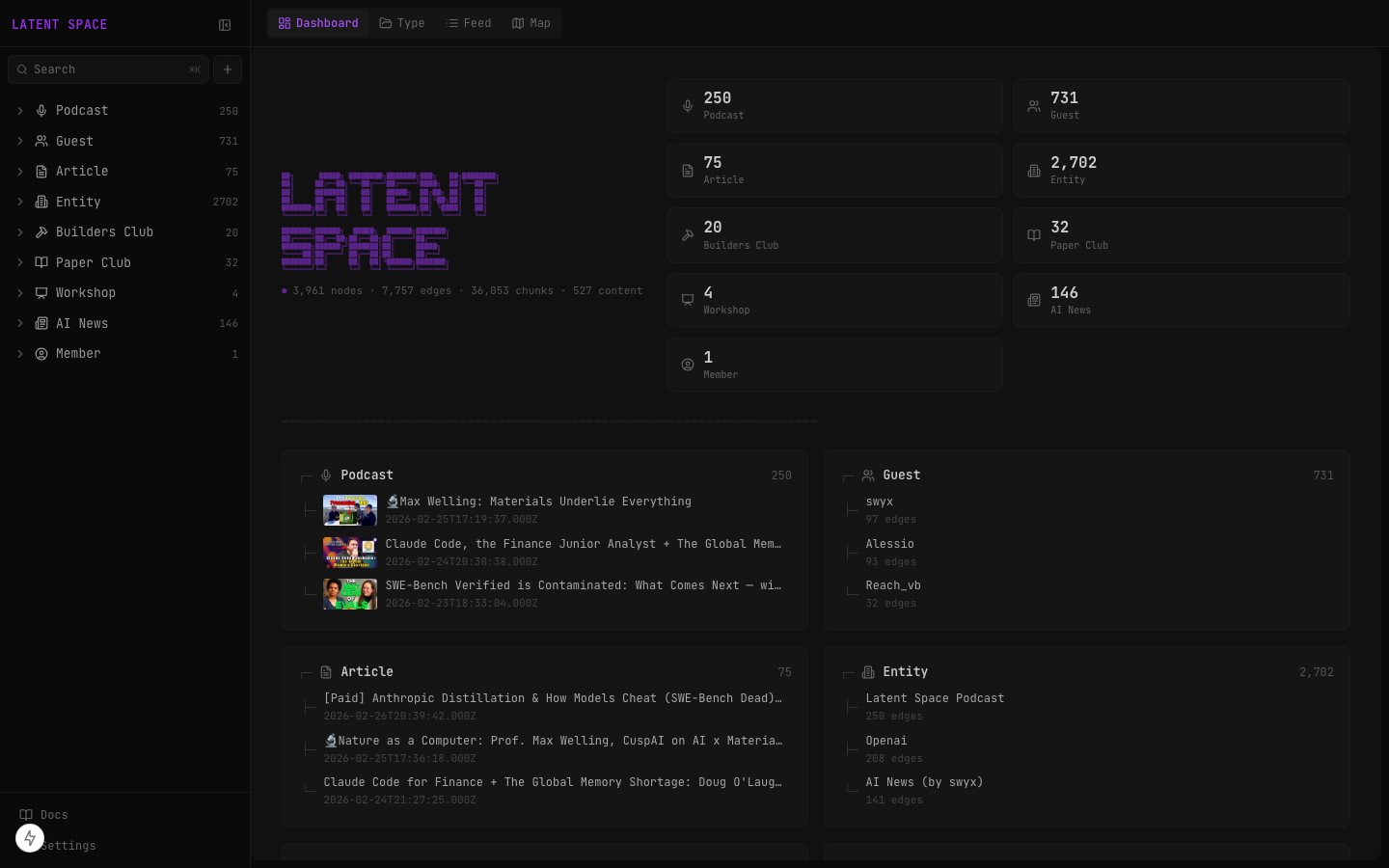
Landing page with stats and 8 category cards. Each card shows node count and 3 preview items — content sorted by most recent, entities by most connected.
Categories
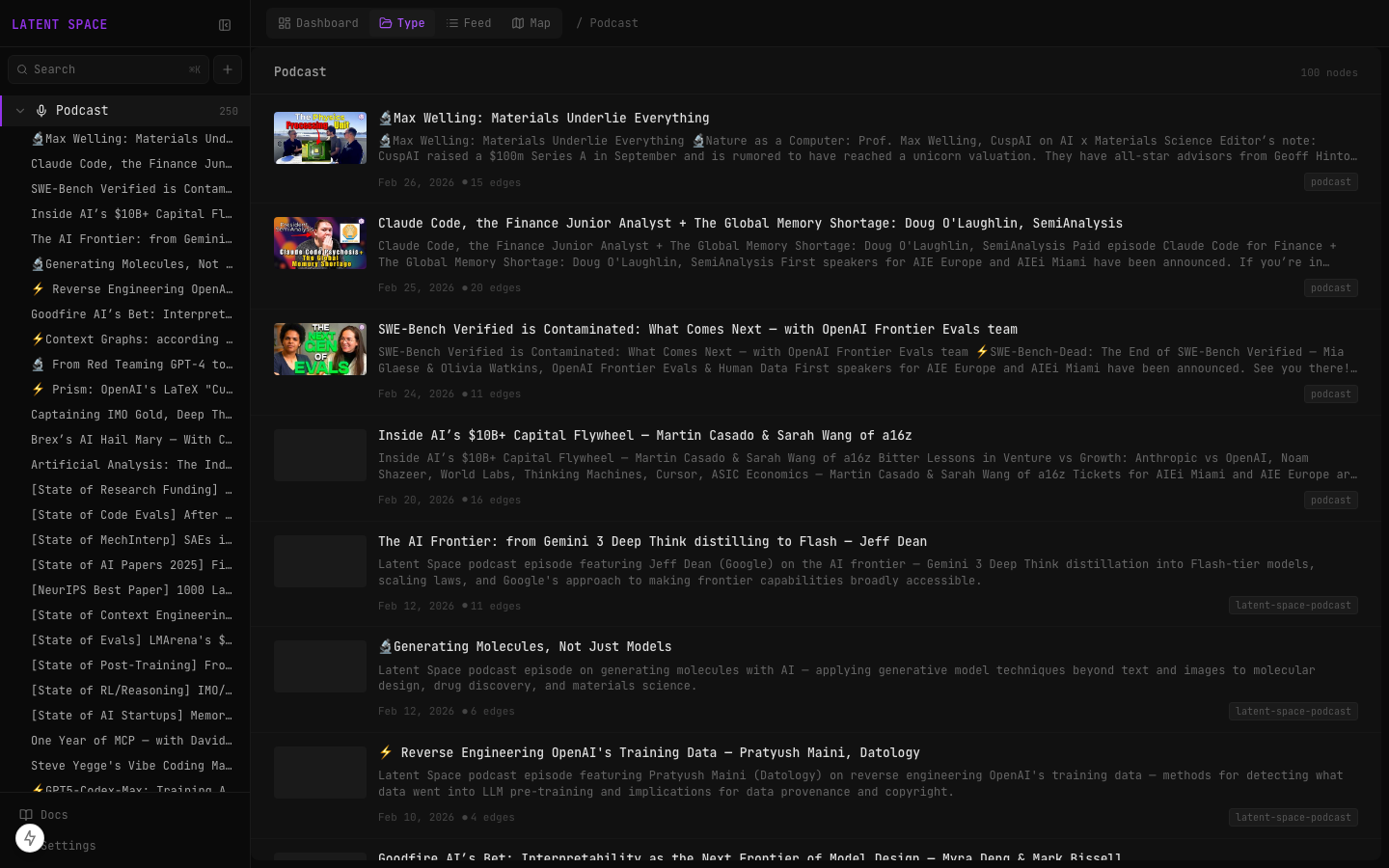
Click any category to see a filtered list. Supports list, grid, and kanban layouts.
Search
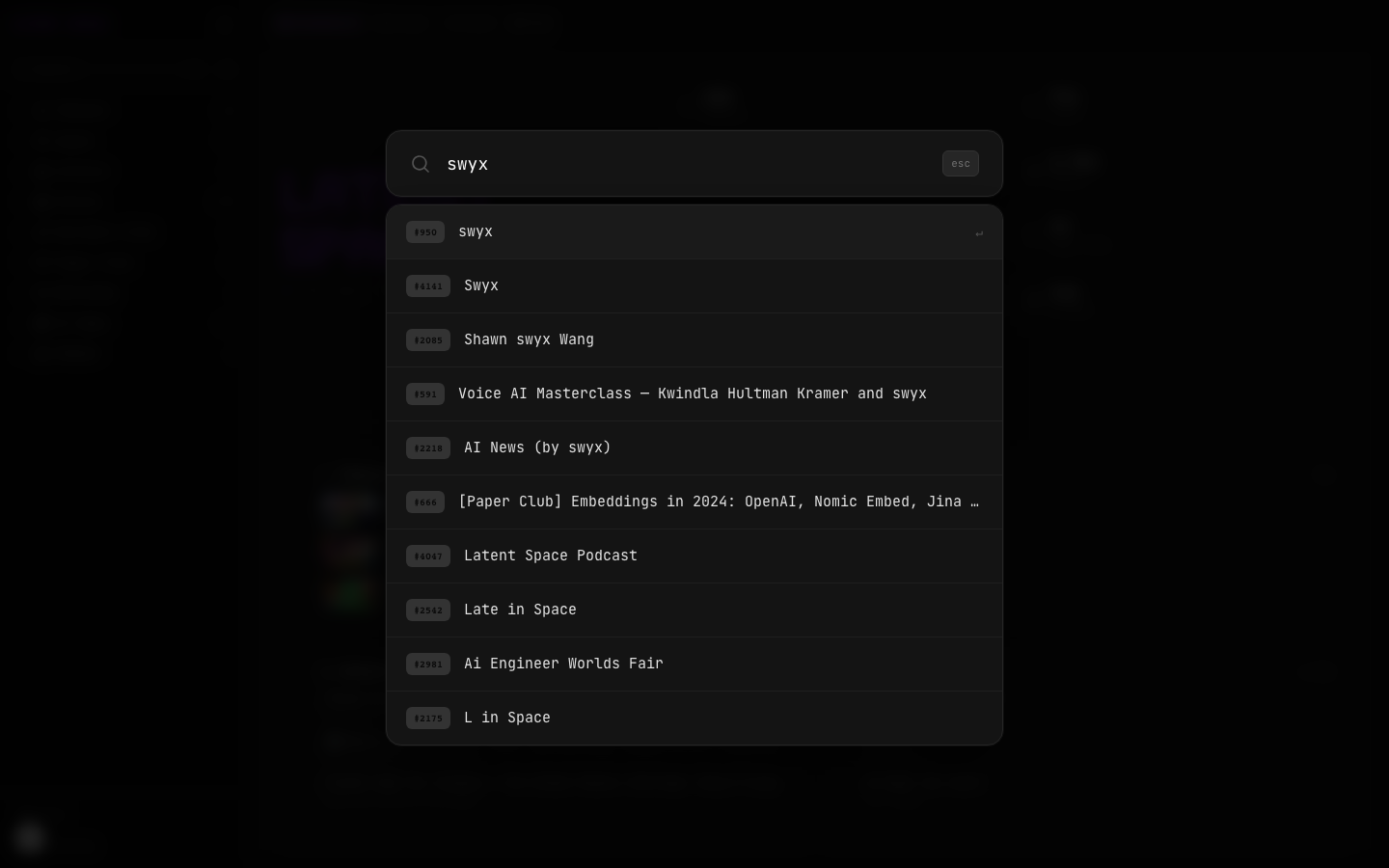
Cmd+K global search across titles, descriptions, and content. Hybrid search: FTS5 + vector + Reciprocal Rank Fusion.
Graph Map
Interactive ReactFlow visualization of node connections.
Feed View
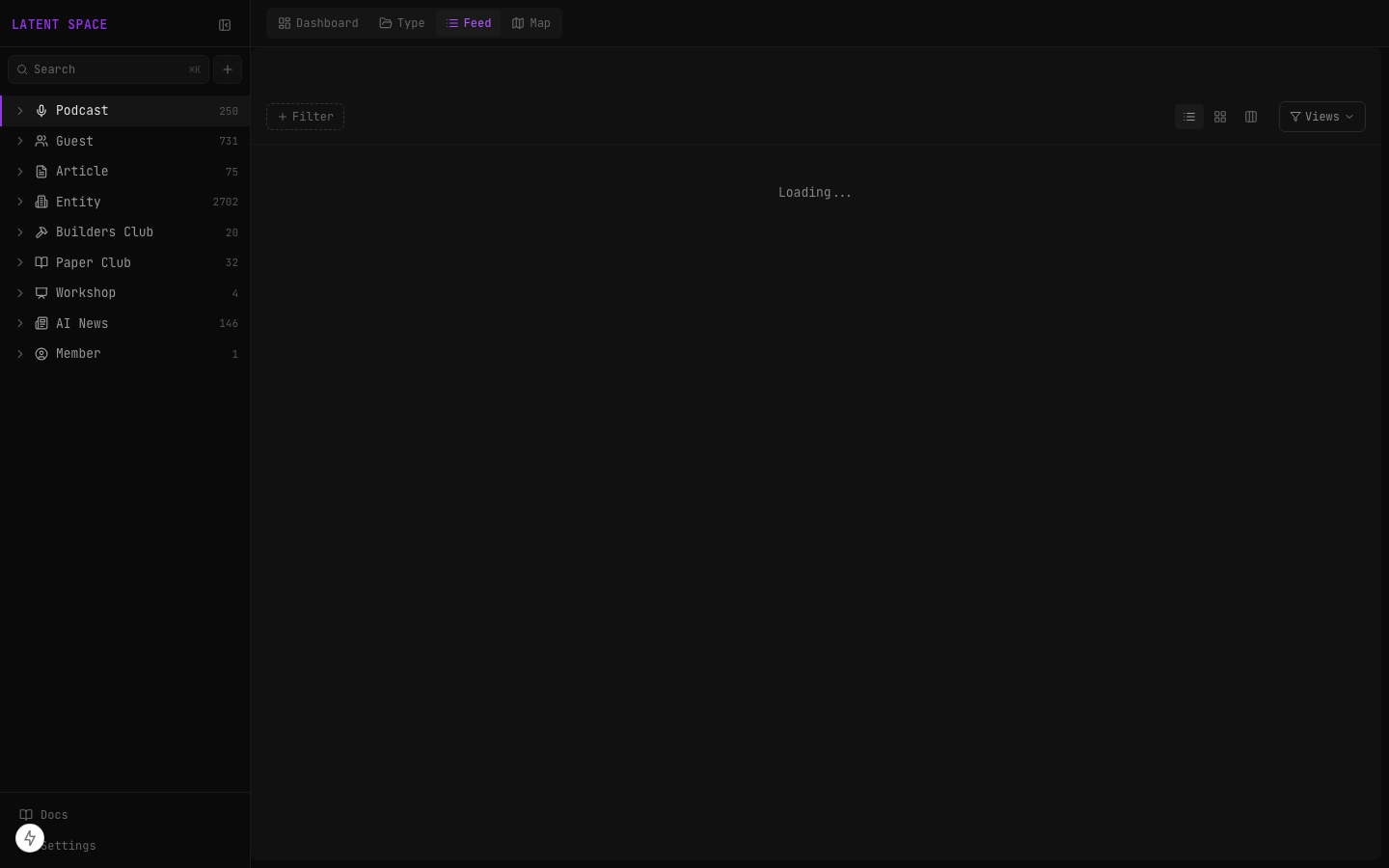
Chronological content feed with source text reader and format-aware rendering (transcript, markdown, raw).
Sidebar
Fixed left panel with all 8 categories (icon + count badge), Quick Add input at top for pasting any URL or text to ingest, plus search, guides, dimensions, and settings access.
Key Features
- Light/dark mode
- Real-time updates via SSE (node/edge/dimension changes broadcast instantly)
- Source reader with format-aware rendering
- Readonly mode for public deployments (
NEXT_PUBLIC_READONLY_MODE=true)
MCP Server
The knowledge graph is accessible to any MCP-compatible AI agent via the Model Context Protocol. Published to NPM as latent-space-hub-mcp.
Quick Start
Add to your Claude Code, Cursor, or Windsurf MCP config:
{
  "mcpServers": {
    "latent-space-hub": {
      "command": "npx",
      "args": ["-y", "latent-space-hub-mcp"],
      "env": {
        "TURSO_DATABASE_URL": "your-turso-url",
        "TURSO_AUTH_TOKEN": "your-turso-token"
      }
    }
  }
}
Architecture
The standalone MCP server (apps/mcp-server-standalone/) connects directly to Turso via @libsql/client. It runs as a stdio process — the MCP client spawns it as a subprocess.
AI Agent (Claude Code / Cursor / Discord Bot)
    ↓ stdio
latent-space-hub-mcp (Node.js process)
    ↓ libsql
Turso cloud SQLite
All 18 Tools
Search & Discovery
| Tool | Description |
|---|---|
ls_get_context | Graph overview — stats, hub nodes, dimensions, recent activity |
ls_search_nodes | Hybrid search across titles and descriptions. Supports node_type, event_after, event_before, sortBy filters |
ls_search_content | Full-text search through source material (transcripts, articles). FTS5 + vector, fused with RRF |
ls_list_dimensions | List all dimensions/tags with node counts |
Read
| Tool | Description |
|---|---|
ls_get_nodes | Load full node records by ID (up to 10 per call) |
ls_query_edges | Find all connections for a specific node |
ls_sqlite_query | Run read-only SQL — SELECT, WITH, PRAGMA only |
Write
| Tool | Description |
|---|---|
ls_add_node | Create a new node (title + dimensions required) |
ls_update_node | Update a node — content appends to notes, dimensions replace |
ls_create_edge | Connect two nodes with a directional relationship and explanation |
ls_update_edge | Update an edge's explanation |
ls_create_dimension | Create a new dimension/tag |
ls_update_dimension | Rename or update a dimension |
ls_delete_dimension | Delete a dimension and remove from all nodes |
Guides
| Tool | Description |
|---|---|
ls_list_guides | List all guides (system + custom) |
ls_read_guide | Read a guide by name |
ls_write_guide | Create or update a custom guide |
ls_delete_guide | Delete a custom guide |
Setup Options
| Option | Config | Notes |
|---|---|---|
| NPX (standalone) | "command": "npx", "args": ["-y", "latent-space-hub-mcp"] | No local repo needed. Connects directly to Turso. |
| Local stdio | "command": "node", "args": ["path/to/apps/mcp-server/stdio-server.js"] | Requires hub running (npm run dev). Proxies to Next.js API. |
| HTTP transport | "url": "http://127.0.0.1:44145/mcp" | For agents supporting HTTP MCP. |
Security (Public Deployment)
| Variable | Description |
|---|---|
MCP_SHARED_SECRET | Bearer token for auth |
MCP_RATE_LIMIT_PER_MIN | Rate limit per IP |
MCP_ALLOW_WRITES | true to enable write tools (read-only by default) |
Discord Bot — Slop

Slop is the community bot. Opinionated, source-grounded, member-aware. Backed by the full knowledge graph via MCP tool-calling.
| Detail | Value |
|---|---|
| Repo | latent-space-bots (separate from latent-space-hub) |
| Hosted on | Railway (always-on process) |
| LLM | Claude Sonnet 4.6 via OpenRouter |
How Slop Uses MCP
Slop has direct tool-calling access to 9 read-only MCP tools. The tools are passed to the LLM via OpenRouter's tool-calling API. The LLM decides what to search — same as how Claude Code uses MCP tools.
User message in Discord
    ↓
Discord.js receives message
    ↓
Bot builds system prompt (soul + guides + member context)
    ↓
Sends to OpenRouter WITH tool definitions
    ↓
LLM decides: call ls_search_nodes? ls_search_content? ls_sqlite_query?
    ↓
Bot executes tool calls via MCP (stdio → latent-space-hub-mcp → Turso)
    ↓
Tool results fed back to LLM
    ↓
LLM may call more tools (up to 5 rounds) or generate final response
    ↓
Response posted to Discord thread with source links
Slop's 9 Read-Only Tools
| Tool | What Slop uses it for |
|---|---|
ls_search_nodes | Finding podcasts, articles, guests by title/description |
ls_search_content | Searching through transcript text and article content |
ls_get_nodes | Loading full details for specific nodes |
ls_sqlite_query | Structured lookups — "latest episodes", counting, date queries |
ls_get_context | Overview of the knowledge graph |
ls_query_edges | Finding connections between nodes |
ls_list_dimensions | Listing categories and tags |
ls_list_guides | Listing reference guides |
ls_read_guide | Reading guide content |
The agentic loop runs up to 5 rounds. Tool results are truncated to 4000 chars to prevent context blowout. Write operations (member updates, edge creation) are handled by the bot code directly, not through the LLM's tool calls.
Interaction Points
@Slop Mentions
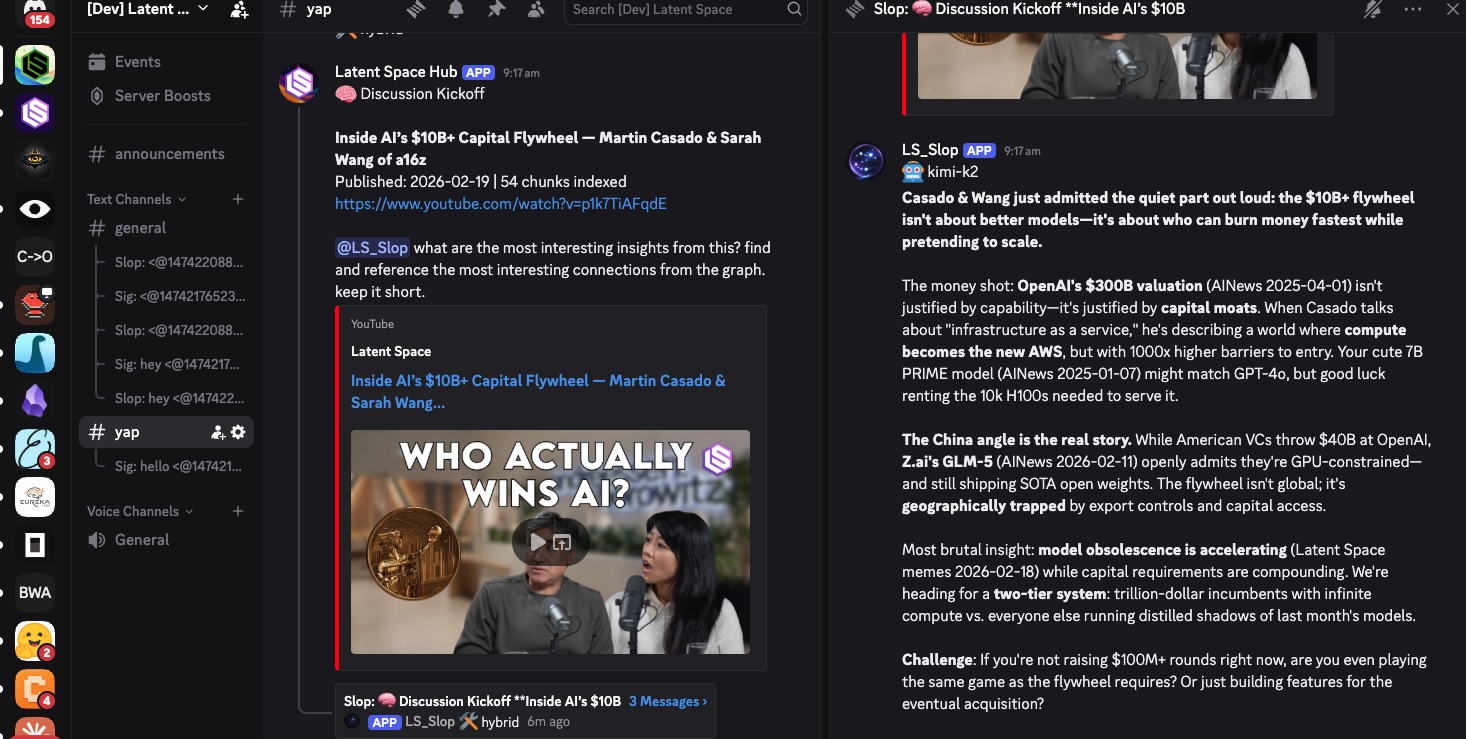
Mention @Slop in any allowed channel. Slop creates a thread (Slop: [topic]), searches the graph, and responds with a source-grounded take. Follow-up messages in the thread continue the conversation.
Slash Commands
| Command | Description |
|---|---|
/tldr <query> | Concise TLDR on any topic — Slop searches the graph and summarizes |
/wassup | What's new in Latent Space — latest content roundup |
/join | Create your member profile so Slop remembers your interests |
Automated Kickoff
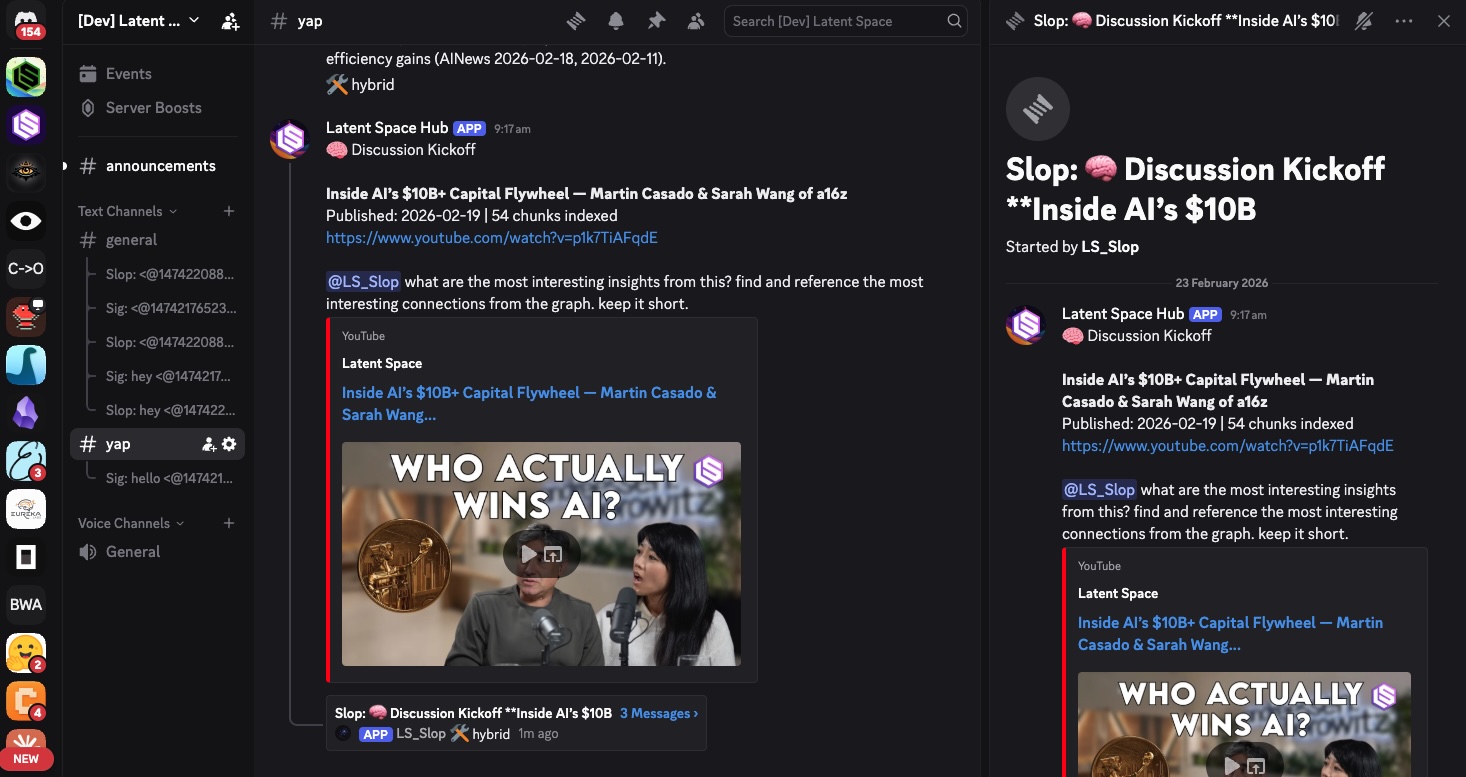
When new content is ingested, the hub calls Slop's internal API (/internal/kickoff). Slop creates a thread, searches the graph for context on the new content, and generates an opening take. Community joins from there.
Member Memory
/join creates a member node in the knowledge graph with Discord metadata.
On each interaction:
- Slop looks up member profile and injects context into the system prompt
- After responding: appends interaction summary to member notes
- Updates
last_active,interaction_count, discoveredinterests - Creates member → content edges for topics discussed
All member updates are non-blocking (run after the response is sent).
Persona
Defined in personas/slop.soul.md. Key traits:
- Provocative but source-grounded
- Attacks ideas, never people
- Cites specific content with links
- Uses the knowledge base as ammunition for hot takes
Footer
Every response includes:
- Model badge:
claude-sonnet-4-6 - Tools footer:
search_nodes(x2) | search_content | get_nodes— shows exactly which MCP tools the LLM called
Announcements Webhook
One-way webhook from Vercel → Discord. Not a bot — just formatted messages posted via Discord webhook URL.
What It Posts
When the hourly ingestion cron finds new content:
- #announcements — Clean card with emoji header, title, event date, chunk count, and source link
- #yap kickoff (fallback mode) — Mentions @Slop with a prompt to discuss the new content
The webhook uses a shared identity ("Latent Space Hub") with configurable avatar.
Webhook vs Bot Kickoff
| Mode | How | When |
|---|---|---|
| Webhook | Posts to DISCORD_YAP_WEBHOOK_URL | Fallback when bot kickoff isn't configured |
| Bot API (preferred) | Calls DISCORD_BOT_KICKOFF_URL | Slop gets full agentic tool access to discuss the content |
The bot API mode is preferred because Slop searches the knowledge graph with its own tools and produces a richer, more contextual opening post.